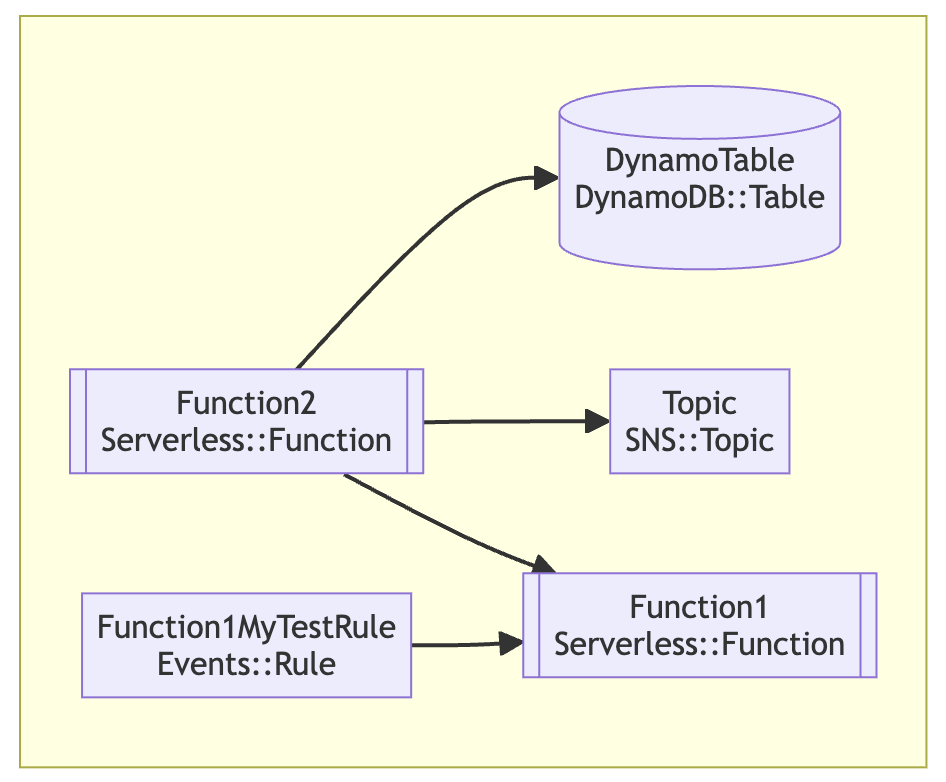
CDK4J CFN Diagram
CDK4J CFN Diagram is used to automatically visualize CloudFormation templates as architecture diagrams. It solves the problem of manual documentation by creating up-to-date, accurate visualizations of complex infrastructure directly from code, which aids in collaboration, troubleshooting, and understanding resource relationships. By using this approach, teams can move from “diagrams as a manual task” to “diagrams as code,” saving time and ensuring visual representations match the live infrastructure.
Installation
npm i -g @datapith/cdk4j-diagram
Usage
cdk4j-diagram [options] [command]Options:
| Option | Description |
|---|---|
-v, --vers | Output the current version |
-h, --help | Display help for command |
Commands
| Command | Description |
|---|---|
draw.io, d | Generates a draw.io diagram from a CloudFormation template. See Draw.io for mode details. |
html, h | Generates a vis.js diagram from a CloudFormation template. See Html for more details. |
mermaid, m | Generates a mermaid graph from a template. See Mermaid for more details. |
help [command] | Display help for command |
Output formats
Draw.io
Usage
cdk4j-diagram draw.io|d [options]Generates a draw.io diagram from a CloudFormation template
| Option | Description |
|---|---|
-t, --template-file [templateFile] | Path to template or cdk.json file (default: “template.yaml or cdk.json”) |
--stacks [stacks] | Comma separated list of stack name(s) to include. Defaults to all. |
-o, --output-file [outputFile] | Name of output file (default: “template.drawio”) |
-h, --help | display help for command |
Example
cdk4j-diagram draw.io -t example-cfn-template.yaml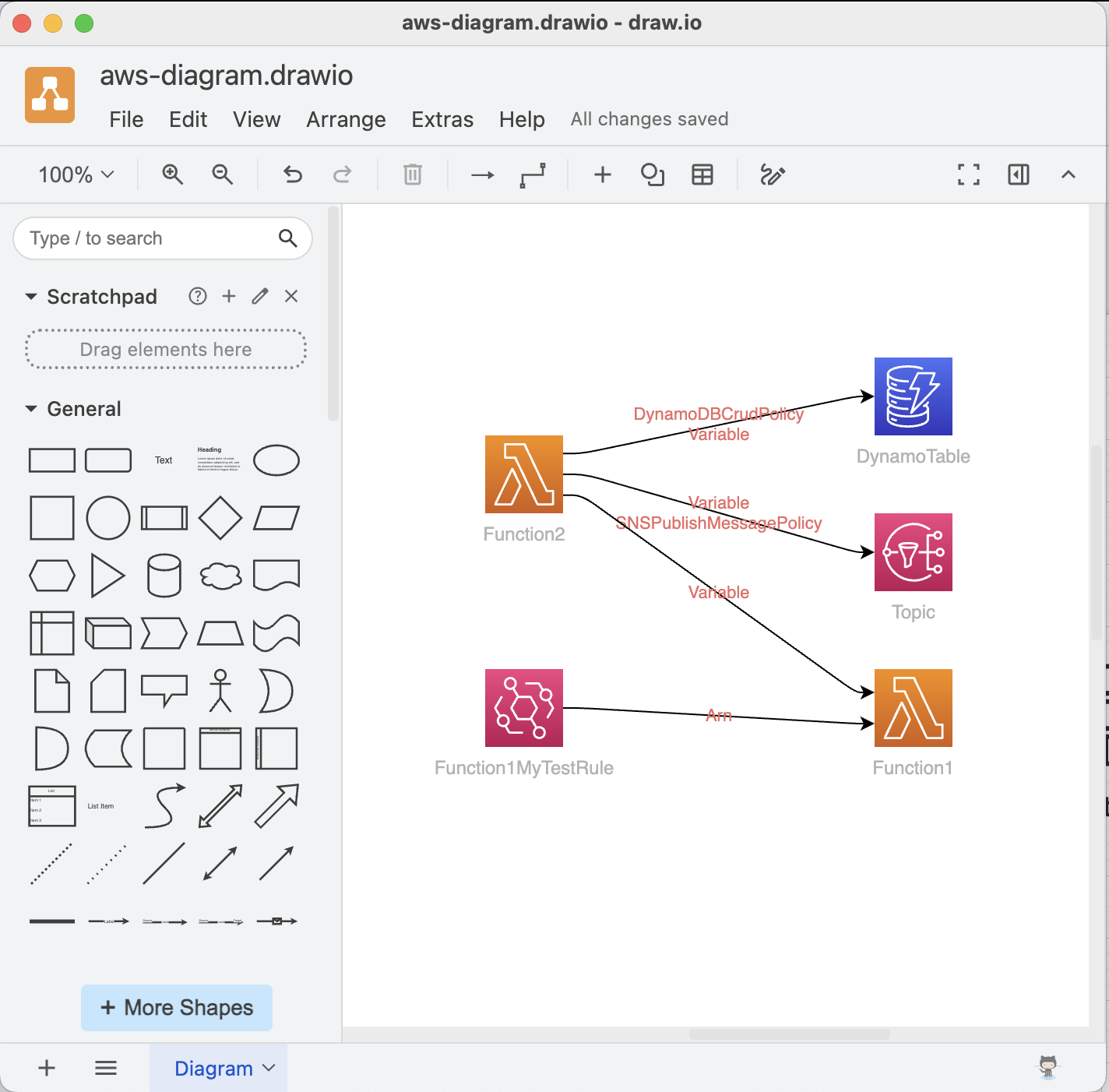
HTML
Usage
cdk4j-diagram html|h [options]Generates a vis.js diagram from a CloudFormation template
| Options | Description |
|---|---|
-t, --template-file [templateFile] | Path to template or cdk.json file (default: “template.yaml or cdk.json”) |
--stacks [stacks] | Comma separated list of stack name(s) to include. Defaults to all. |
-all, --render-all | If set, all nested stacks will be rendered. By default only root template is rendered (default: false) |
-o, --output-path [outputPath] | Name of output directory (default: /tmp/cfn-diagram) |
-h, --help | display help for command |
The HTML output uses vis.js to generate an interactive diagram from your template.
Example
cdk4j-diagram html -t example-cfn-template.yaml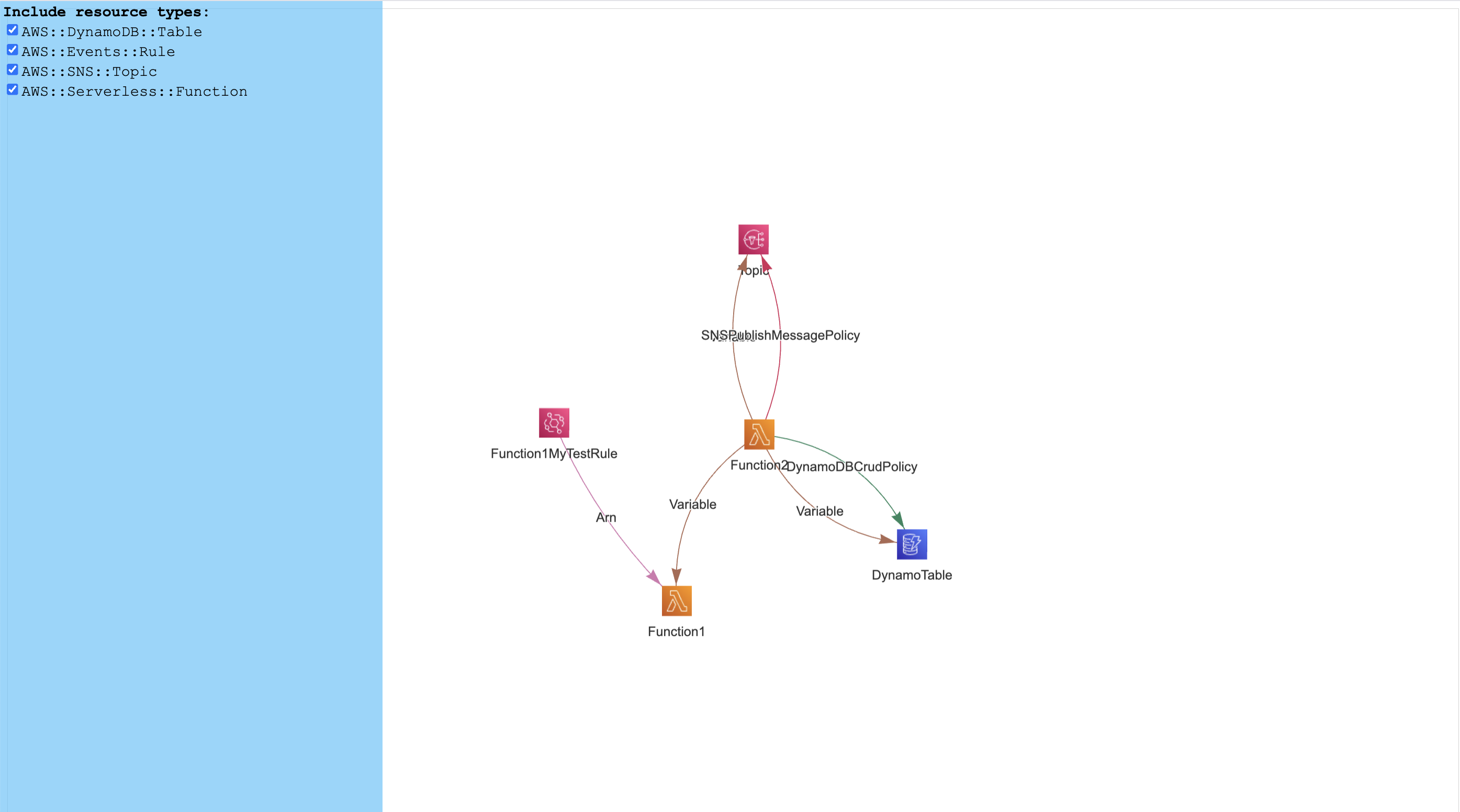
Large stacks, in particular multi-stack CDK projects, tend to generate huge diagrams. You can pass the stack names you want to render using the --stacks argument followed by a comma separated list of stack names.
Mermaid
Usage
cdk4j-diagram mermaid|m [options]Generates a mermaid graph from a template
| Options | Description |
|---|---|
-t, --template-file [templateFile] | Path to template or cdk.json file (default: “template.yaml or cdk.json”) |
-all, --render-all | If set, all nested stacks will be rendered. By default only root template is rendered (default: false) |
-o, --output-path [outputPath] | Name of output file |
-h, --help | display help for command |
Renders a mermaid diagram of your template directly in the console or to a file. Useful to gain a quick overview of smaller stacks and to generate as part of your CI/CD flow for up-to-date documentation.